
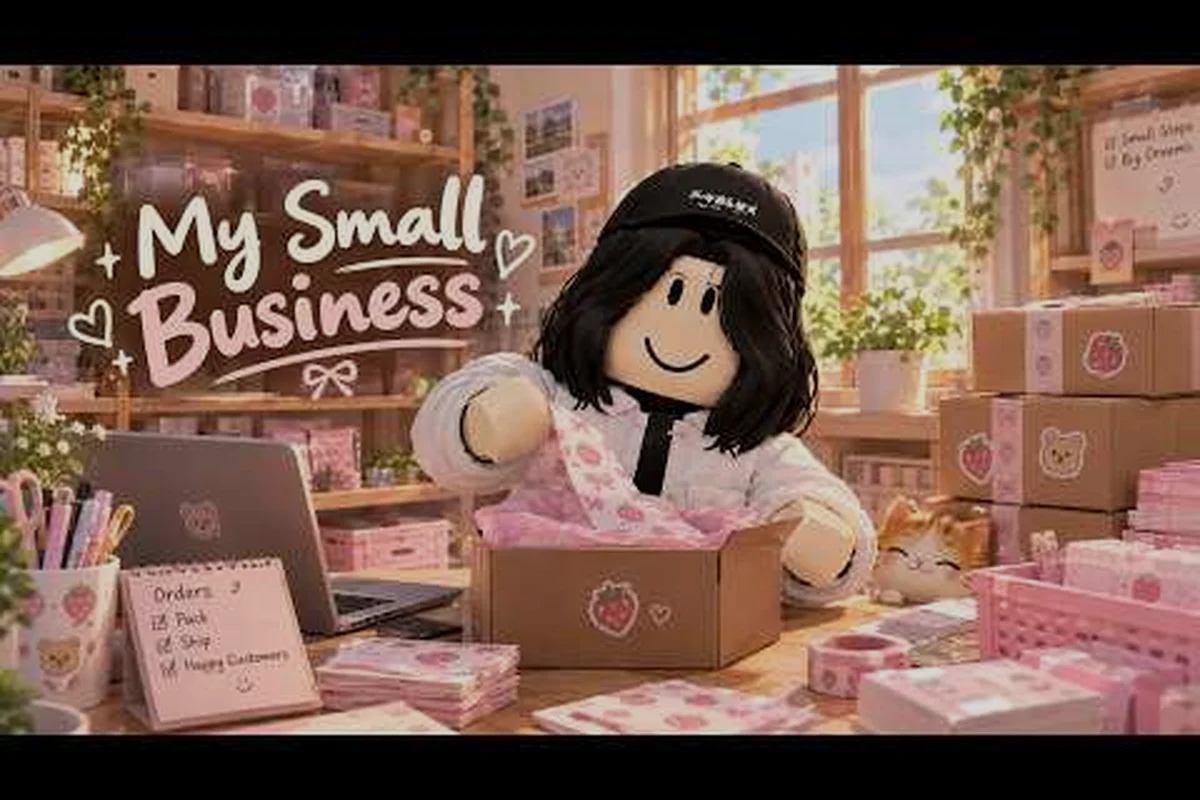
The my small business roblox never sit on coins rule is the single habit that separates shops that grow from shops that stall out. Hoarding Coins feels safe, but it quietly caps your income multiplier while prices creep upward. This breakdown shows exactly when to spend, which bundles deserve your Robux, and how to dodge the overprinting trap that eats new players alive.
Why Hoarding Coins Slows Your Shop Down
The core loop in My Small Business rewards reinvestment, not savings. Every Coin you leave idle is a Coin that is not raising your per-order value, and per-order value is what compounds over a session. The official game page describes the flow plainly: sketch products in the Design Studio, print and cut them, then pack orders with packaging, thank-you cards, and goodies before shipping. Notice that every step after sketching costs something, which means a shop sitting on a pile of Coins is a shop that is not moving product.
Community reports consistently point to the same pattern. Players who spend early on Bookmark Cardstock (30 Coins) and the Big Paper Tray (35 Coins) see their order throughput climb within the first few minutes, while players who bank Coins "just in case" end up with a full shelf and an empty register. The multiplier attached to your shop does not care how much you have saved; it cares how fast you can complete and ship orders.
There is one legitimate exception, and it is worth stating clearly: saving toward a large unlock such as the C label upgrade is fine, because that purchase changes what you can produce rather than just how fast you produce it. The distinction matters. Saving for a capability unlock is investing. Saving with no target is the mistake.
| Spending Behavior | Typical Outcome | Why It Happens |
|---|---|---|
| Spend every Coin immediately on the cheapest upgrade | Fast early growth, then a plateau | Cheap upgrades stop mattering once order volume is high |
| Save everything with no goal | Slow income, full shelves | Idle Coins do not raise per-order value |
| Save only for a named unlock | Steady growth with a clear spike | Capability unlocks expand what you can sell |
| Reinvest on a fixed threshold | Consistent compounding | You always have Coins working somewhere |
The practical takeaway is simple: give every Coin a job. If you cannot name what a saved Coin is waiting for, spend it on the next upgrade that raises order value. The table above makes the split concrete — "save everything with no goal" produces slow income and full shelves, while "save only for a named unlock" produces steady growth with a clear spike. So before you close the register for the night, run one check: write down the exact upgrade your balance is funding, whether that is the Big Paper Tray at 35 Coins or the C label capability unlock. No name, no reason to hold — put those Coins back to work on throughput.
The Overprinting Mistake That Wastes Paper and Coins
The my small business roblox overprinting mistake is the most common self-inflicted wound in the early game, and it is easy to understand once you see the math. New players assume that printing more products means more sales, so they queue up a large batch of bookmarks or stickers before checking what customers actually want. What happens next is predictable: unsold stock clogs your shelf space, your paper budget drains, and you have fewer Coins for the upgrades that would have made each order worth more.
Printing costs paper, and paper costs Coins. When you overprint a product that does not match incoming demand, you have effectively converted Coins into inventory that may never sell. The fix is to print in small batches tied to visible orders rather than to a guess about future demand.
Matching Print Batches to Real Orders
A workable rule is to print only what the current order queue can absorb, plus a small buffer for the next customer. If you are seeing three bookmark orders in a row, print a handful of bookmarks, not thirty. This keeps your paper flowing into products that convert and keeps your shelf from becoming a museum of unsold stock.
Community gameplay guides, including the NoobBlox My Small Business walkthrough, repeatedly stress that production should follow demand rather than lead it during the early phase. Once your upgrades are strong enough that each order is worth substantially more, larger batches become reasonable because the cost of a wasted print is a smaller fraction of the order's value.
When Overprinting Actually Makes Sense
Overprinting is not always wrong. It becomes efficient when three conditions line up: your per-order value is high enough that paper cost is trivial, your shelf capacity can hold the surplus without blocking new products, and you have a reliable sense of which items sell fastest. Until all three are true, small batches win.
| Situation | Print Small Batch | Print Large Batch |
|---|---|---|
| First few minutes of a session | Yes | No |
| Per-order value still low | Yes | No |
| Shelf nearly full | Yes | No |
| Paper upgrades already purchased | Either | Yes |
| Clear demand pattern established | Either | Yes |
If you are unsure which side of the table you are on, print small. The downside of a small batch is a few extra seconds of printing; the downside of a large batch is wasted Coins you cannot recover, and those Coins are the same currency that funds your coin tier prices and mini pack upgrades. A concrete example: printing 50 units of a product that sells only 12 in your first session leaves 38 units of dead stock eating shelf space, blocking a faster mover, and delaying the paper upgrade that would have raised your per-order value. Compare that to printing 10, selling out, and reprinting — you lose maybe 15 seconds but keep every Coin working toward your next tier.
Coin Bundles and Tier Prices: What You Are Actually Buying
Robux purchases in My Small Business come in bundles, and the my small business roblox coin tier prices are structured so that larger bundles offer better value per Robux. That does not mean the largest bundle is the right choice for everyone. The question is whether the Coins you buy convert into a permanent improvement in your shop's earning rate, or whether they evaporate into overprinted stock and impulse upgrades.
Before spending any Robux, it helps to understand how Coins enter your register in the first place. The guide to how offline earnings work explains the passive side of the economy, which is useful context for judging whether a bundle purchase is actually necessary or whether patience would have covered the same ground.
Reading the Bundle Ladder
Bundles are priced on a curve, and the curve is steepest at the top. A mid-tier bundle usually offers a meaningfully better Coins-per-Robux ratio than the smallest pack without demanding the commitment of the largest one. For most players, the mid-tier is the sweet spot: enough Coins to unlock a capability upgrade and still have something left for paper and packaging.
| Bundle Tier | Relative Coins per Robux | Best For |
|---|---|---|
| Smallest pack | Lowest ratio | Testing whether you enjoy the game |
| Mid-tier pack | Strong ratio | Unlocking one capability upgrade comfortably |
| Large pack | Best ratio | Players already committed to long sessions |
| Largest pack | Best ratio, highest cost | Only if you have a specific large unlock in mind |
The trap with the largest bundle is that it can encourage careless spending. When Coins feel infinite, players overprint, buy every cosmetic upgrade, and lose the discipline that made their shop efficient in the first place. Buying Coins does not buy you the habit of spending them well.
The Mini Pack Question
The my small business roblox mini pack worth debate comes down to intent. If you are curious about the game and want to skip the first ten minutes of grinding, the mini pack does its job. If you are trying to build a genuinely efficient shop, the mini pack is usually too small to fund a meaningful upgrade, which makes it a poor value relative to the mid-tier.
A useful test: check whether the mini pack covers the cost of the upgrade you actually want. If it does not, you will end up buying a second pack, and two mini packs almost always cost more than one mid-tier bundle for the same Coins.
The Like and Join Reward: Free Value You Should Not Skip
The my small business roblox like and join reward is free Coins for actions you were going to take anyway, and skipping it is leaving money on the table. Liking the game and joining the official group both trigger small rewards that stack with your normal earning, and the group membership also keeps you informed about updates and events.
The Future CEOs Roblox group is the developer's official community hub, run by ScriptedJulia, and it is the verified source for game updates. Joining it is a one-time action that pays out immediately and continues paying out through event notifications.
Stacking Free Rewards With Your Session Start
The efficient habit is to claim every free reward before you spend a single Coin. Claim the like reward, claim the join reward, then look at your balance and decide what to buy. Starting a session with a slightly larger balance often means the difference between affording the Big Paper Tray now versus grinding for it later.
Free rewards also change the bundle math. If you were considering a mini pack purely to reach an upgrade threshold, check whether the free rewards close that gap first. A concrete case: if the Big Paper Tray sits one tier above your current balance and a mini pack covers the shortfall, the like reward plus join reward may already bridge it — so run that check before spending Robux. They frequently do, which makes the bundle purchase unnecessary and keeps your Coin tier prices untouched.
Choosing Upgrades That Prevent Wasted Spending
The best defense against wasting Coins is buying upgrades that raise per-order value rather than upgrades that merely feel productive. A faster printer is useless if you are overprinting unsellable stock; a bigger shelf is useless if you have nothing to put on it. Value-per-order upgrades, by contrast, make every subsequent order more profitable regardless of what else is happening in your shop.
For a broader look at which purchases pay back fastest, the fastest way to earn Coins breakdown covers the earning methods that scale best with a strong upgrade base. The short version: upgrades multiply everything else, so they should come first.
Upgrade Priority Checklist
-
Bookmark Cardstock (30 Coins) — the cheapest meaningful per-order value bump and almost always the correct first purchase.
-
Big Paper Tray (35 Coins) — raises throughput so you spend less time waiting and more time shipping.
-
C label unlock — a capability unlock worth saving toward, because it expands what you can produce.
-
Packaging and goodie upgrades — worth buying once order volume is high enough that the per-order bonus outweighs the cost.
-
Cosmetic upgrades — buy last, and only with Coins you would otherwise waste.
Testing an Upgrade Before Committing
A simple test works for any upgrade: buy it, run five orders, and compare the Coins earned against your previous five orders. If the difference is meaningful, keep going in that direction. If it is not, you have learned something cheap. This habit prevents the slow bleed of buying upgrades that sound good but do not move your income.
| Upgrade Type | Effect on Income | Buy When |
|---|---|---|
| Per-order value | Direct multiplier on every sale | Immediately, if affordable |
| Throughput | More orders per minute | After per-order value is solid |
| Capability unlock | Expands product range | When you can name the unlock |
| Cosmetic | None | Last, with surplus Coins |
The my small business roblox never sit on coins principle applies to upgrades too. An upgrade you can afford and have not bought is a Coin sitting idle, and idle Coins do not compound. Take the Per-order value row in the table above: if you are holding enough Coins for that multiplier but keep grinding base sales instead, every order between now and the purchase earns the old rate — that gap is the real cost, not the sticker price. Run the five-order test first, then buy the moment it clears; a Capability unlock you can already name is the same story, since the new product range only starts paying once it is live.
Frequently Asked Questions
Why should I never sit on Coins in My Small Business?
Idle Coins do not raise your per-order value, so hoarding slows your income multiplier while upgrade prices keep climbing. Spend on value-per-order upgrades as soon as they are affordable, and only save when you have a specific capability unlock in mind.
What is the overprinting mistake and how do I avoid it?
Overprinting means printing more products than current orders can absorb, which wastes paper and shelf space. Avoid it by printing in small batches tied to visible demand, and only scale up once per-order value is high enough that wasted prints cost little.
Are the larger Coin bundles worth the Robux?
Larger bundles offer a better Coins-per-Robux ratio, but only if you spend those Coins on upgrades that raise per-order value rather than idle cosmetics or stock you cannot sell. A big bundle that funds a shelf or checkout upgrade immediately pays for itself through faster income; a big bundle that sits unspent just repeats the hoarding mistake at a higher price. For most players, the mid-tier pack hits the sweet spot: enough Coins to cover one meaningful upgrade without encouraging careless spending, so weigh the tier price against your next upgrade cost before buying.
Is the mini pack worth buying?
Only if you want to skip the first few minutes of grinding. The mini pack is usually too small to fund a real upgrade, so check whether free rewards like the like and join bonus close the gap before spending Robux.
Does the like and join reward actually matter?
Yes. Liking the game and joining the official Future CEOs group both grant free Coins for actions you were taking anyway. Claim them at the start of every session, before you decide what to buy, because they often cover the cost of your next upgrade.