
Upgrades
All My Small Business upgrades with in-game coin prices — from the 15-coin Order Clipboard to the 1,000-coin Social Media Post — plus the smartest buying order.
Introduction
The Upgrades page is the complete in-game shopping list for My Small Business, with every upgrade, its current coin price and what it actually changes in your shop. Upgrades range from tiny quality-of-life items like the 15-coin Order Clipboard to major late-game purchases like the 1,000-coin Social Media Post and the 1,100-coin Request Board. Because upgrades cost real Coins you earn through orders, buying them in the wrong order can slow your whole economy. This page ranks upgrades by their payback, recommends a buying order for free-to-play players and explains the Craft Studio threshold that opens the path to your warehouse — so you spend Coins on upgrades that earn them back quickly.
Upgrade Price & Effect Table
| Upgrade | Price | Effect |
|---|---|---|
| Order Clipboard | 15 Coins | Hold 3 orders at once. |
| Bookmark Cardstock | 30 Coins | Unlock bookmarks that sell higher than stickers. |
| Box Organizer | 35 Coins | Shows the perfect box size before you pack. |
| Big Paper Tray | 35 Coins | Prints 3 more products per batch. |
| Printer Turbo | 85 Coins | Prints faster and adds +3% per shipment. |
| Postage Stamps | 100 Coins | Cheaper shipping on your orders. |
| Social Media Post | 1,000 Coins | Boosts order traffic and brand growth. |
| Request Board | 1,100 Coins | Adds more simultaneous order slots. |
Upgrade Ranking
Order Clipboard
The essential 15-Coin starter upgrade for holding more orders.
Bookmark Cardstock
Unlocks bookmarks that sell for more than stickers.
Box Organizer
Shows the perfect box size for the +10% tip every time.
Big Paper Tray
Adds three more products to every print batch.
Printer Turbo
Speeds up printing and adds +3% per shipment.
Postage Stamps
Lowers shipping costs on every order you send.
Social Media Post
The 1,000-Coin brand booster for late-game traffic.
Request Board
The costliest upgrade adds more simultaneous orders.
Core Mechanics
Upgrades split into a few practical groups. Storage and queue upgrades like the Order Clipboard and Request Board increase how many orders you can track, which lets you batch work efficiently. Production upgrades like the Big Paper Tray and Printer Turbo improve how many products you print per batch and how fast they print. Convenience upgrades like the Box Organizer show the perfect box size, removing guesswork from the perfect-fit bonus. Later decorations and expansion upgrades change how the shop looks and how big it feels, while high-cost business upgrades like Social Media Post and Request Board are the true late-game Coins sinks. Prices follow the October 2026 snapshot and can shift with weekly updates.
Advantages
Buying upgrades in the right order is the fastest way to accelerate your shop. The Order Clipboard, Box Organizer and Big Paper Tray are all cheap, pay for themselves within a session or two and remove the most common friction points for new players. Mid-game, Printer Turbo and Postage Stamps improve your per-shipment margins, and the Box Organizer keeps perfect-fit tips consistent. Even small upgrades stack: a faster printer plus a bigger tray plus cheaper shipping quietly doubles your effective income per hour. The Upgrades page also flags upgrades that are not worth early Coins, so you never waste hard-earned cash on decorative extras when a production upgrade is available.
Challenges
Upgrades have three main drawbacks. Prices are community-measured snapshots from October 2026 and can change with a patch, so the exact cost you see in-game may differ from the table. Some value judgments are subjective — a decoration upgrade can feel great to one player and worthless to another, depending on playstyle. Finally, several late upgrades are large Coins sinks with slow payback, so buying them too early leaves you broke for a long time. Players who rush the 1,000-coin Social Media Post before covering production basics often regret the purchase. That is why the recommended buying order here puts cheap, fast-payback upgrades first.
Frequently Asked Questions
What upgrade should I buy first?+
Is the Social Media Post worth 1,000 Coins?+
Which upgrades help the perfect-fit tip?+
Do upgrades carry over between resets?+
Quick Tips
Never buy decoration upgrades before production upgrades. A cute wall finish is tempting, but Printer Turbo and Big Paper Tray multiply every future print batch, while a decoration only changes how the shop looks. Use the Upgrade Price table to plan three purchases ahead and always cover the Order Clipboard first.
Buy the Box Organizer before you start grinding perfect-fit tips. It shows you the correct box size at a glance, removing the guesswork that causes the most common tip-loss mistake. Over a hundred orders, the 35-Coin price pays for itself many times over through consistent +10% bonuses. After fifty boxes the convenience usually more than pays for the 35 Coins through recovered tips alone.
Watch for weekly price changes before buying. The numbers in this table are from the October 2026 snapshot and the developer rebalances regularly, so if the in-game tag differs, trust the live price. Check the site news and Events page after each update for any economy patches. Bookmark the Events page after reading, because economic patches are usually announced together with new events.
Pair the Big Paper Tray with same-theme batch printing. If you print in larger batches but waste designs, you lose the benefit — group identical designs together so every slot in the bigger tray produces an order someone actually requested. A wasted slot on an unwanted design is real Coins burned, so batch discipline matters more as the tray grows.
Featured
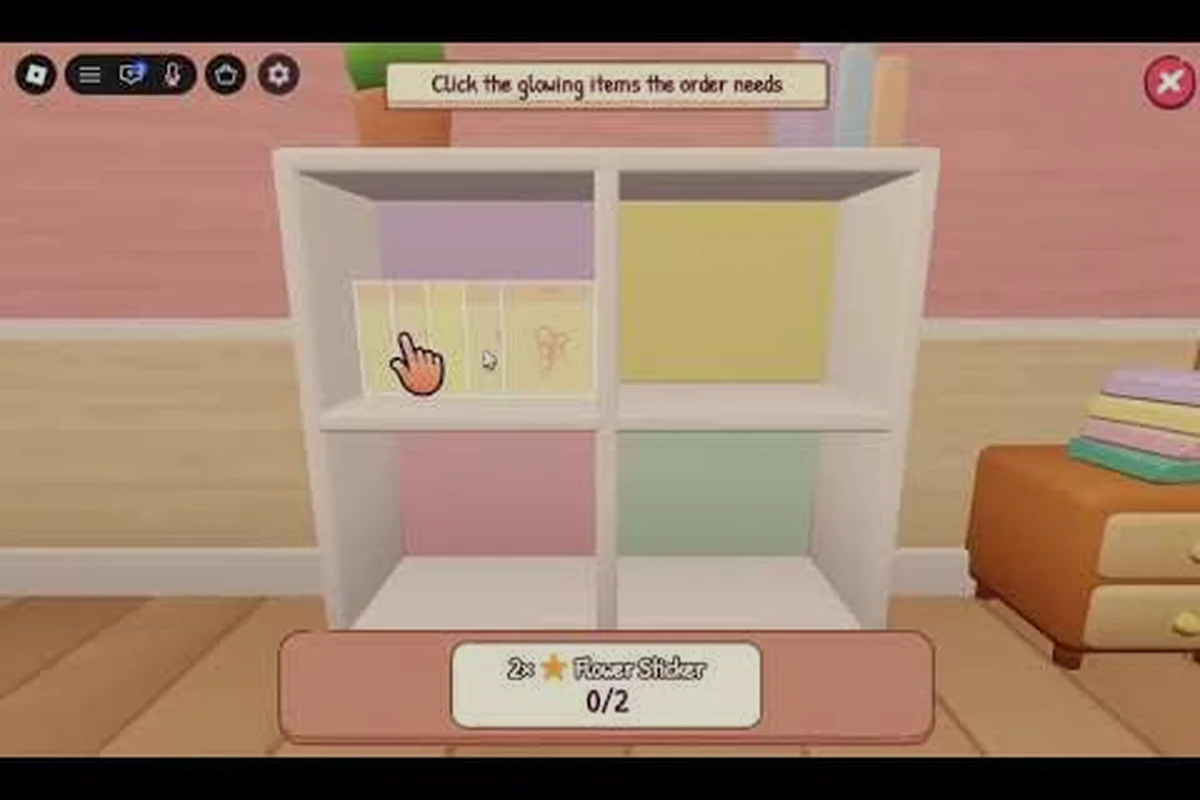
My Small Business Roblox Big Paper Tray Upgrade and Benefits
Explore My Small Business Roblox big paper tray value, including how it handles more stock and where printer, shelves, and workshop upgrades fit.
My Small Business Roblox Early Upgrades: Smarter First Buys
Prioritize my small business roblox early upgrades for faster printing, cutting, packing, and hiring while protecting your coins from inefficient purchases.

My Small Business Roblox Expand Guide: Studios and Shipping
Use this My Small Business Roblox expand guide to plan bedroom, studio, warehouse, and shipping expansions for a larger, more efficient shop.
All Articles
My Small Business Roblox Inspo Pinboard: Uses and Upgrade Value
Discover how the Inspo Pinboard, customer requests, social posts, and goodies can shape product choices in My Small Business.

My Small Business Roblox Upgrade Priority: Best Buys by Stage
Plan my small business roblox upgrade priority with stage-by-stage recommendations, upgrade costs, and practical advice for choosing your next shop investment.

My Small Business Roblox Upgrades: Full Shop Upgrade List
Explore my small business roblox upgrades with a complete list of printer, cutter, packing, worker, and expansion benefits for stronger shop growth.
My Small Business Roblox Warehouse Guide: Unlock and Expand
Learn how to unlock the My Small Business Roblox warehouse, reach the craft studio, and expand rooms for smoother production and shop growth.