
Guides
Beginner guides and walkthroughs for the Roblox shop tycoon My Small Business: first-session routes, daily routines, progression and common mistakes avoided.
Introduction
The Guides hub is the fastest way to learn My Small Business as a brand-new player. Instead of fumbling through your first orders, you can follow a clear route: set up your shop in the first session, learn the print-pack-ship loop, spend your starting Coins on the correct upgrades and avoid the classic mistakes that stall new players. Every guide on this page is written for the current version of the game and focuses on what actually matters — Coins, star rating and steady progression. Whether you play on mobile or PC, free to play or with a few passes, the walkthroughs here break the cozy tycoon loop into small steps you can complete in one sitting.
Beginner Starter Cheat-Sheet
| Session | Focus | Key Action |
|---|---|---|
| First 15 minutes | Shop setup | Pick a brand name, take the opening order, finish it to start your quests. |
| First hour | Cash flow | Print only order designs, use perfect-fit boxes, clear Ship 3 Orders quest. |
| Day one | Upgrades | Buy Order Clipboard (15), Box Organizer (35) and Big Paper Tray (35). |
| First week | Expansion | Reach business level 5 for Greeting Cards and plan your Craft Studio unlock. |
Reading Order
Beginner Guide
The full first-session walkthrough — brand, opening orders and the design-to-ship loop.
Beginner Tips
Small habits that keep your Coins growing from the very first order.
Early Game Guide
Coins, upgrades and quests during your first hours — buy order, not decoration.
Progression Guide
Business levels, product unlocks and the route to the warehouse.
Daily Routine
A repeatable checklist that keeps Coins flowing even when you only have ten minutes.
Tricks
Community-tested shortcuts for packing, printing and the star rating grind.
Core Mechanics
Progression in My Small Business follows a clear loop: you take customer orders, read the requested theme, design and print the matching product, cut it out, pack it in the smallest fitting box and ship it for Coins. Quests reward you with bonus Coins and XP for completing milestones like shipping a set number of orders, and every shipped order slowly builds your shop star rating. Your business level gates new products — Greeting Cards at level 5, Acrylic Charms at level 8, Luggage Tags at level 13 and Art Prints at level 17. Weekly updates and seasonal events add fresh content, so returning players can follow new quests and limited-time goals.
Advantages
Following beginner guides saves you real Coins and time. A good route tells you which upgrades to buy first, how to earn a perfect-fit tip on almost every box and which quests to clear for the best repeatable rewards. New players who wing it often waste paper on designs nobody ordered, buy decorative upgrades too early and miss the free Income Boosts from the Like Game and Join Group goals. Guides also explain the offline earnings loop correctly, so you stop losing potential Coins between sessions. In a game with a weekly update cadence, having a maintained walkthrough means you always know what changed and what to prioritize next.
Challenges
The main challenge with guides is that My Small Business changes fast. Weekly updates can rebalance prices, add event products and move quests, so a guide written before the last patch may already be slightly out of date. The community has also not yet confirmed several exact numbers, like the offline coins-per-minute rate and per-friend boost values, which means even careful guides must leave some details open. Finally, the game is casual-friendly but not deep — once you master the basic loop, advanced players will find that articles overlap. Reading two guides on the same topic may feel repetitive, which is why this hub marks the most current and most complete articles first.
Frequently Asked Questions
What should I do first in My Small Business?+
Is My Small Business free to play?+
How long does it take to reach the Craft Studio?+
Are the guides updated every week?+
Quick Tips
Start every session by claiming your Like Game and Join Group reward buttons, then check the Orders board for what your shop has queued. If you changed designs overnight or logged off with unfinished orders, finish the oldest matching order first because quest counters tick off per shipment, not per item printed.
Keep a small set of pre-printed sticker sheets for common themes like Animals and Flowers. Stickers cost about 8 Coins each, print fast and fit almost any small order, so they are your cheapest way to satisfy low-value requests without firing up a fresh print batch for one item. Pair the sheets with the order board so each pre-print covers at least one request already on the list.
When a guide mentions a coin price, treat it as the current-version price from the October 2026 snapshots. Because the developer rebalances weekly, always cross-check the in-game price tag before you spend, and search the site's recent guides if the number looks different from what the article states. Treat every table as a snapshot and update your mental prices on the first opportunity after each patch.
Use the site's on-page search to jump between Guides and Gameplay. The Beginner Guide sets your overall route, but the Gameplay page explains exactly how themes, print batches and goodie percentages work, so reading both at the start will save Coins across your first week. Cross-referencing the two pages takes under a minute and pays off whenever a strategy depends on percentages.
Featured
My Small Business Roblox Complete Walkthrough: Every Milestone
Follow my small business roblox complete walkthrough from designing and printing products to packing orders, hiring help, and expanding your first shop.
My Small Business Roblox Beginner Guide: Start Strong
Master my small business roblox beginner guide with a clear path from your first product sketch to packed orders, early coins, and smarter upgrades.
My Small Business Roblox Beginner Tips for Faster Leveling
Level up faster with My Small Business Roblox beginner tips covering efficient production, smart upgrades, and better ways to grow your cozy shop.
All Articles
My Small Business Roblox Daily Routine and Efficient Checklist
Build a My Small Business Roblox daily routine that balances designing, cutting, packing, hiring workers, and collecting income without wasting time.
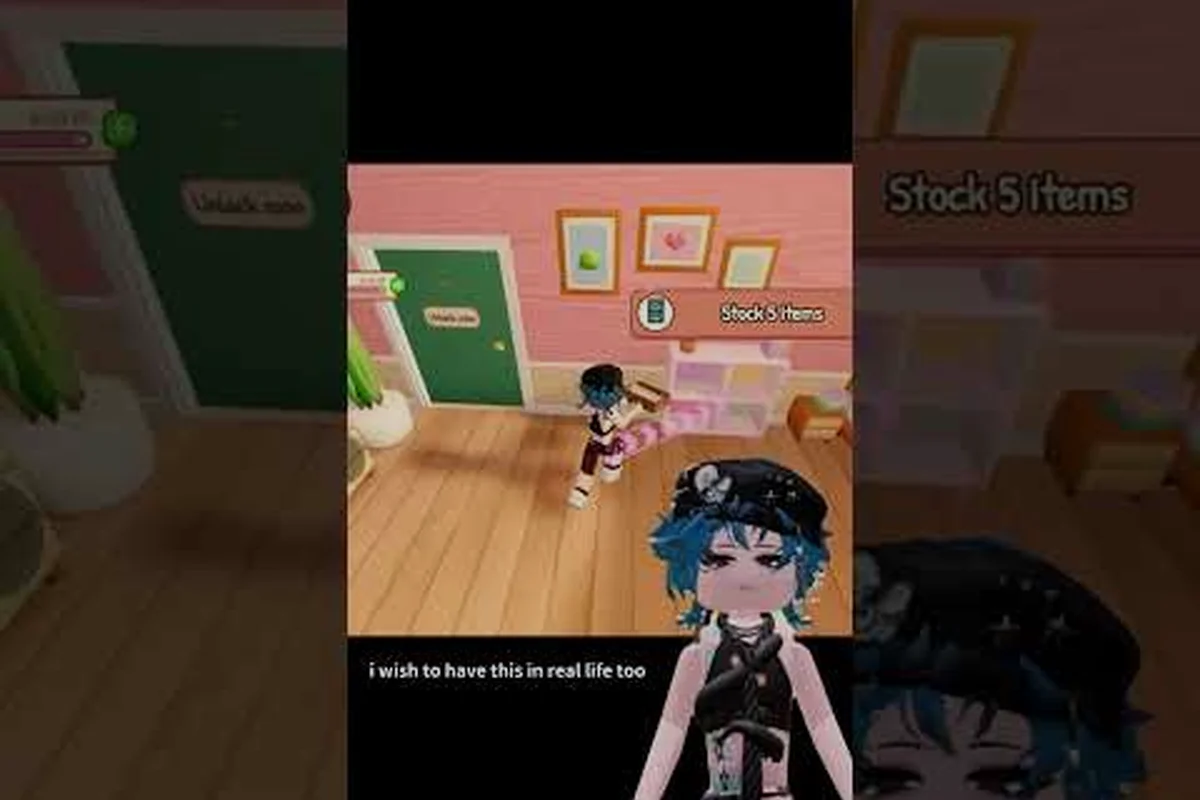
My Small Business Roblox Early Game Guide to Mid Game
Plan your My Small Business Roblox early game route through product design, faster income, useful upgrades, and the path toward mid-game growth.
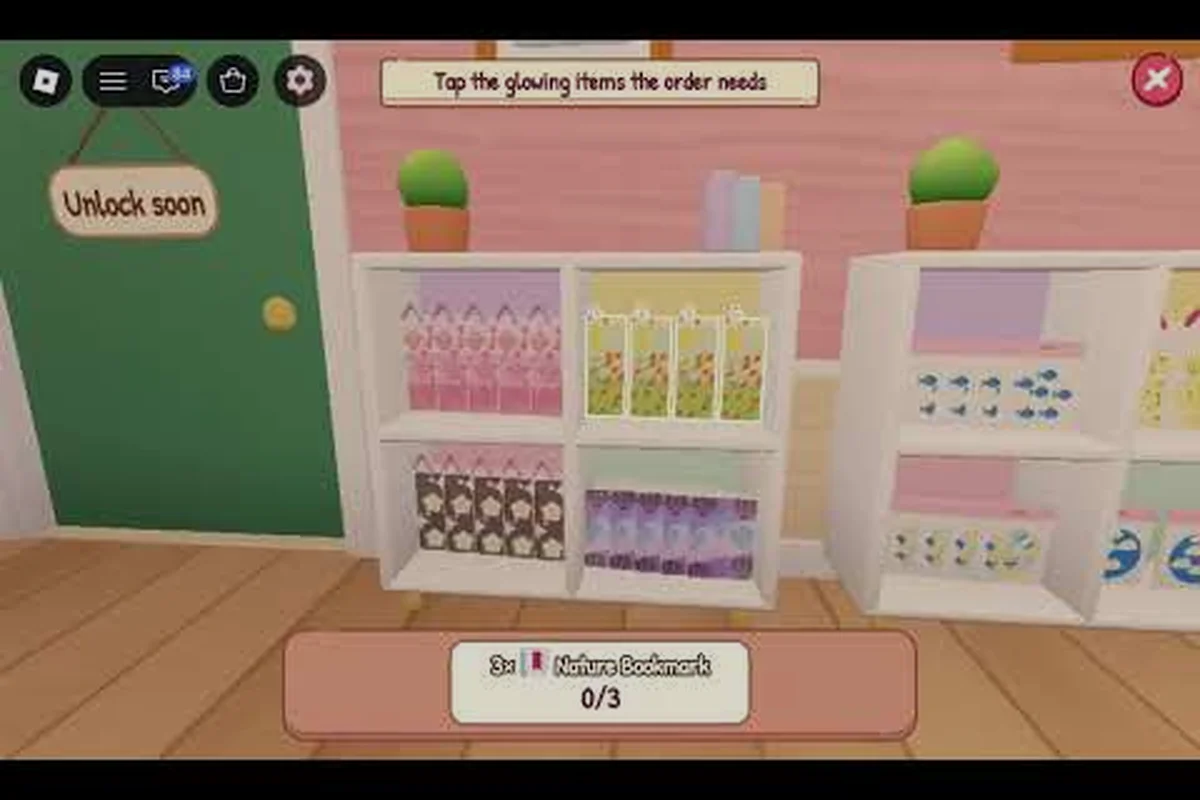
My Small Business Roblox Latest Guide: Avoid These Mistakes
Avoid common mistakes with this My Small Business Roblox latest guide, covering weak early designs, slow production, poor upgrades, and wasted funds.
My Small Business Roblox Progression Guide: Milestones and Goals
Follow my small business roblox progression guide to claim quest rewards, reach shop milestones, choose upgrades, and expand from first sale to a thriving business.
My Small Business Roblox Shop Setup Guide for 2026
Build an efficient My Small Business Roblox shop setup with PC and mobile controls, a productive layout, and smart first-day choices for your store.
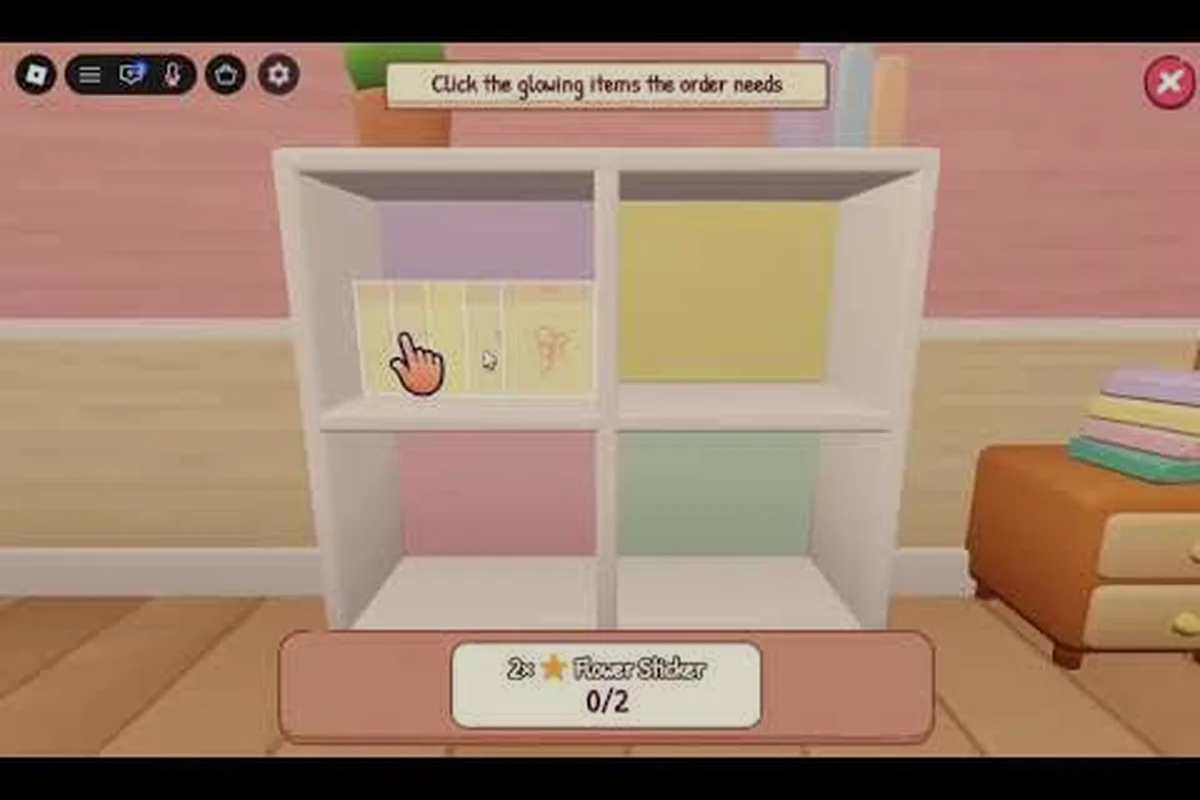
My Small Business Roblox Tutorial for Your First 10 Minutes
Learn the My Small Business Roblox tutorial loop from sketching products to printing, cutting, packing, and running your shop in the first 10 minutes.
My Small Business Roblox Tricks for Faster Money and Workers
Discover My Small Business Roblox tricks for earning faster, choosing useful upgrades, managing workers, and moving products through your shop efficiently.