
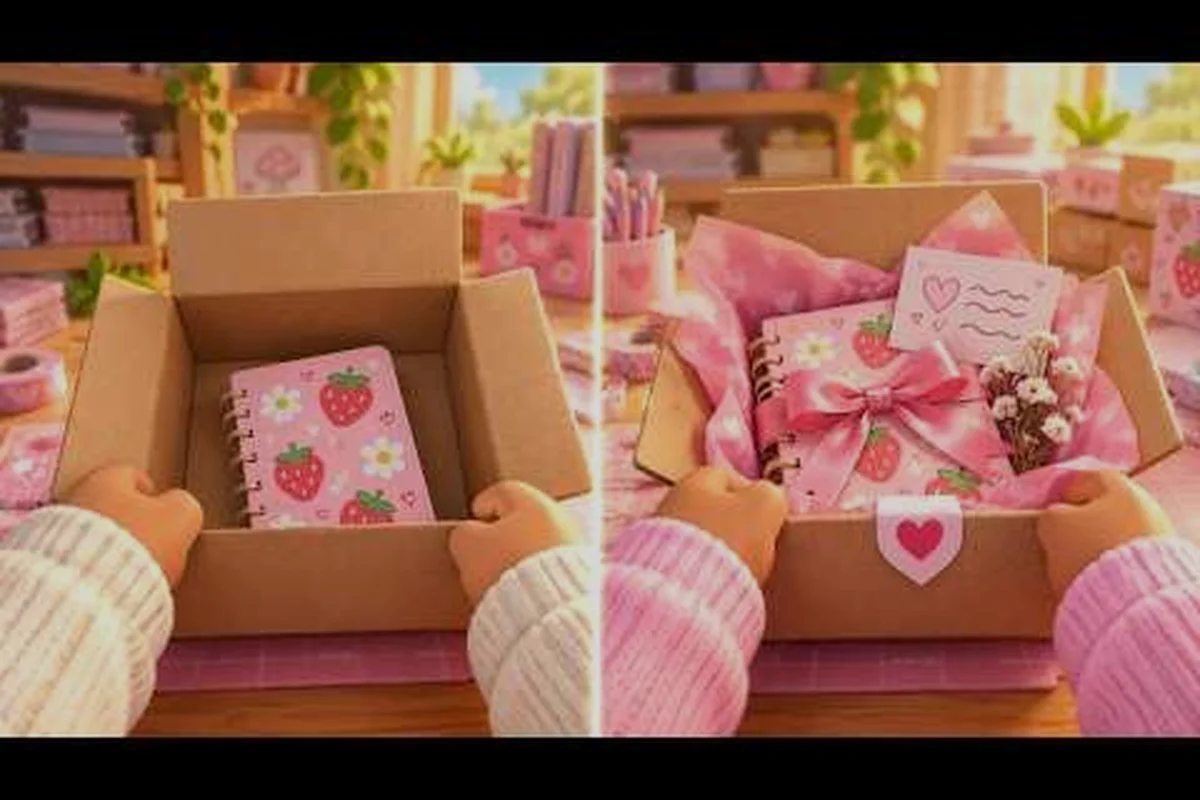
Expansion in My Small Business is not a single purchase — it is a chain of milestones that starts in your bedroom and ends in a warehouse full of shelving. This My Small Business Roblox expand guide walks you through each stage so you spend coins on the right upgrade at the right time instead of guessing.
The stakes are real: according to the official My Small Business game page, fewer than 1 in 10 players ever reach the Move Out milestone. That gap is almost always a budgeting problem, not a skill problem. Read on to learn how bedroom upgrades, studio upgrades, shipping upgrades, and warehouse upgrades fit together into one plan.
How Expansion Actually Works in My Small Business
Expansion in this tycoon is gated, not free-form. You cannot simply buy a bigger room; you have to hit specific milestones that the game checks before unlocking the next space. The first gate is Move Out, which requires you to complete a set of objectives tied to your bedroom shop before the Craft Studio becomes available.
The reason so many players stall is that they treat every upgrade button as equally urgent. In reality, the expansion path has a strict order, and spending on the wrong tier early can delay your Move Out by hours. Community reports consistently show that players who save deliberately reach the studio roughly twice as fast as players who buy every cheap upgrade on sight.
Here is the rough shape of the expansion chain:
-
Bedroom stage — your starting shop, where you learn the design, print, cut, pack, and ship loop.
-
Craft Studio stage — unlocked through Move Out, giving you more production space and better equipment.
-
Warehouse stage — the late expansion with extra shelving and printer space for high-volume orders.
-
Shipping tier — upgrades that speed up how fast finished orders leave your shop and convert to coins.
Each stage changes what "efficient" means. A layout that works in the bedroom will feel cramped in the studio, and a studio layout that ignores shelving will collapse once warehouse volumes arrive. The sections below break down each tier so you can plan your coin reserve around the next gate rather than the next shiny button.
Bedroom Upgrades: What to Buy Before Move Out
Your bedroom is where the expansion habit either forms or fails. The temptation is to decorate, but the bedroom's real job is to prove you can run a clean production loop with limited space. Every coin you sink into cosmetics here is a coin not saved toward the Move Out requirement, and that requirement is the single biggest filter in the game.
Treat bedroom upgrades as throughput fixes, not comfort purchases. If your orders are backing up at the printer, a printing upgrade pays for itself within a few orders. If you are constantly walking back and forth, a layout change costs nothing and solves the same problem. The table below shows how to think about the common bedroom upgrade categories.
| Bedroom upgrade type | What it fixes | Buy it when |
|---|---|---|
| Printing speed | Orders queue at the printer | You regularly have 3+ orders waiting |
| Cutting station | Bottleneck moves to cutting | Printed items pile up uncut |
| Packing supplies | Slow pack-and-seal step | You finish printing but ship late |
| Storage and shelving | Clutter blocks movement | You keep losing track of finished orders |
| Decoration | Nothing mechanical | Only after Move Out is funded |
A useful rule from player experience: keep a coin reserve equal to roughly half of your next milestone cost at all times. That reserve is what lets you pounce on the Move Out objectives the moment they appear instead of grinding for another hour. Bedroom upgrades that push your daily order count up are worth buying; bedroom upgrades that only make the room prettier can wait until after the studio unlocks.
If you are still learning the basic loop and want a slower walkthrough of the first hour, the beginner guide to My Small Business covers the design-to-ship cycle in more detail before you commit coins to expansion.
Reading the Move Out Checklist Correctly
The Move Out milestone is not a single purchase — it is a checklist, and the game only unlocks the Craft Studio when every item on it is satisfied. Players who fail here usually misread one requirement and spend an hour buying the wrong thing. Before you spend anything, open the checklist and write down the exact objectives, then compare them against your current shop state.
A practical habit is to screenshot the checklist and pin it mentally as your shopping list. If an objective asks for a specific station or a coin threshold, that becomes your budget target for the next session. Everything else — new decorations, side upgrades, cosmetic swaps — is noise until the checklist is clear. This one discipline is the difference between reaching the studio in a couple of sessions and grinding the bedroom for a week.
Studio Upgrades: Spending After the Craft Studio Unlocks
The Craft Studio is the first real expansion reward, and it changes your production ceiling. You get more floor space, which means you can run longer batches without tripping over your own stations. The mistake players make here is treating the studio as "bedroom but bigger" and repeating the same layout that was already bottlenecked.
Studio upgrades should target batch size and station separation. Put printing, cutting, packing, and shipping in a straight line so a finished item never has to travel backward. Then invest in the upgrades that raise the ceiling of whichever station sits in the middle of that line, because the middle station always becomes the bottleneck first.
| Studio priority | Effect on your shop | Typical order |
|---|---|---|
| Second printer or print speed | Raises raw output | 1st |
| Cutting capacity | Keeps printed items moving | 2nd |
| Packing station speed | Prevents a pack backlog | 3rd |
| Shelving for finished orders | Reduces lost-order time | 4th |
| Cosmetic theme items | Visual only | Last |
Studio upgrades also unlock better product options, and product choice drives profit per order far more than raw speed does. If you are unsure which items deserve your production slots, the My Small Business product list breaks down unlock levels and which products are worth the shelf space.
When Studio Upgrades Stop Paying Off
There is a point in the studio where more speed stops helping because your limiting factor becomes storage or shipping. You will notice it when finished orders stack up faster than you can hand them off. At that moment, stop buying production upgrades and start saving toward the warehouse tier. Continuing to buy printers into a shipping bottleneck is the most common way players waste coins in the mid game.
Shipping Upgrades: Turning Finished Orders Into Coins
Shipping is the step that actually converts your work into money, and it is the most underrated upgrade tier in the game. A shop that produces quickly but ships slowly looks busy while its coin balance barely moves. Shipping upgrades fix that mismatch by shortening the handoff from packed order to paid order.
Think of shipping as a pipe with a fixed diameter. Widening production without widening the pipe just creates pressure. The shipping upgrades worth prioritizing are the ones that reduce handling time per order — faster handoff, better organization of packed parcels, and any upgrade that lets you process multiple orders in one trip. The table below maps common symptoms to the shipping fix that solves them.
| Symptom | Likely shipping problem | Upgrade direction |
|---|---|---|
| Packed orders sit on the floor | No staging area | Add shelving near the ship point |
| You ship one order per trip | Poor handoff layout | Rearrange for batch handoff |
| Coins lag behind order count | Shipping step too slow | Invest in shipping speed |
| Orders get mixed up | No labeling routine | Organize before upgrading |
Players who reach the warehouse tier often say shipping was the upgrade they wished they had bought earlier. The reason is simple: every shipping upgrade multiplies the value of every production upgrade you already own. Buying shipping before you buy a third printer is frequently the higher-value move.
Warehouse Upgrades and How to Unlock the Warehouse
The warehouse is the endgame expansion, and it is where shelving and printer space finally stop being a constraint. If you are wondering how to unlock the warehouse in My Small Business, the short answer is that it sits behind the studio tier — you must complete the Craft Studio stage and its associated milestones before the warehouse becomes available. The longer answer is that the warehouse is expensive, and arriving without a coin reserve means a long grind in a space you cannot yet use well.
Warehouse upgrades fall into two families: capacity and throughput. Capacity upgrades — extra shelving, more storage zones — let you hold more work in progress. Throughput upgrades — additional printer space, faster stations — let you push more orders per session. Buy capacity first, because a warehouse with speed but no shelving turns into a floor covered in unsorted parcels.
| Warehouse upgrade family | Primary benefit | Buy first? |
|---|---|---|
| Extra shelving | Organized storage, fewer lost orders | Yes |
| Additional printer space | Higher raw output | Yes, after shelving |
| Station speed upgrades | Faster per-order handling | After capacity is stable |
| Layout and zoning changes | Cleaner flow between zones | Free — do it before spending |
| Decoration | Visual identity | Last |
A practical warehouse layout uses three zones: a production zone for printing and cutting, a packing zone with supplies within arm's reach, and a shipping zone near the exit with staged parcels ready to go. Walking distance between zones is the hidden cost that eats your session time, so arrange the zones before you buy a single upgrade. The warehouse guide for My Small Business goes deeper into zone layouts and the exact move-out checklist if you want the full step-by-step.
Sequencing Warehouse Upgrades Without Overspending
The warehouse tempts players into buying everything at once because the space finally feels big enough to justify it. Resist that. Buy one capacity upgrade, run a full session, and see whether the bottleneck moved. If orders now flow cleanly, stop spending and bank coins for the next tier. If a new station is now the slow point, that station is your next purchase. This test-and-buy loop keeps your coin balance healthy and prevents the classic warehouse mistake of owning five upgrades that all solve problems you no longer have.
A Coin Plan That Carries You Through Every Expansion
The single most useful expansion skill is reserving coins before you need them. Expansion gates do not appear on a schedule — they appear when your shop state satisfies them — so the player with a reserve always moves first. Build the habit of setting aside a fixed percentage of every session's earnings toward the next milestone, and treat that reserve as untouchable.
| Expansion stage | Reserve target | Spend priority |
|---|---|---|
| Bedroom to Move Out | Half of milestone cost | Checklist objectives only |
| Studio early | One session of earnings | Printing and cutting |
| Studio late | Growing reserve | Shipping and shelving |
| Warehouse entry | Large reserve before entering | Shelving, then printer space |
| Warehouse mature | Steady buffer | Throughput, then decoration |
Two habits keep this plan on track. First, recheck upgrade prices whenever you join a new server, because live economy values can shift between sessions and an old price list will mislead your budget. Second, review your reserve at the end of each session and adjust the next session's target rather than sticking to a stale number. Players who do this consistently report reaching the warehouse with coins left over instead of arriving broke.
The expansion chain in My Small Business rewards patience more than speed. Bedroom upgrades exist to fund Move Out, studio upgrades exist to raise your production ceiling, shipping upgrades exist to convert that production into coins, and warehouse upgrades exist to hold it all together. Fund the next gate before you decorate the current room, keep a reserve at all times, and the warehouse stops being a milestone fewer than one in ten players reach.
Frequently Asked Questions
How do I unlock the warehouse in My Small Business?
The warehouse unlocks after you complete the Craft Studio stage and its associated milestones. You cannot skip the studio tier, so focus on finishing Move Out first, then build a coin reserve large enough to buy shelving and printer space as soon as the warehouse opens.
Are bedroom upgrades worth buying at all?
Yes, but only the ones that raise throughput — printing speed, cutting capacity, and packing supplies. Cosmetic bedroom upgrades should wait until Move Out is fully funded, because every coin spent on decoration is a coin not going toward the milestone that unlocks the studio.
Which shipping upgrades should I buy first?
Start with organization rather than speed: a staging area near the ship point and a batch handoff routine cost little and fix most delays. Once orders flow cleanly, invest in shipping speed upgrades, which multiply the value of every production upgrade you already own.
How much should I save before expanding to the warehouse?
Aim for a reserve that covers shelving plus at least one printer-space upgrade, since arriving without either means grinding in a space you cannot use efficiently. Recheck live prices when you join a new server, because economy values can shift between sessions.