
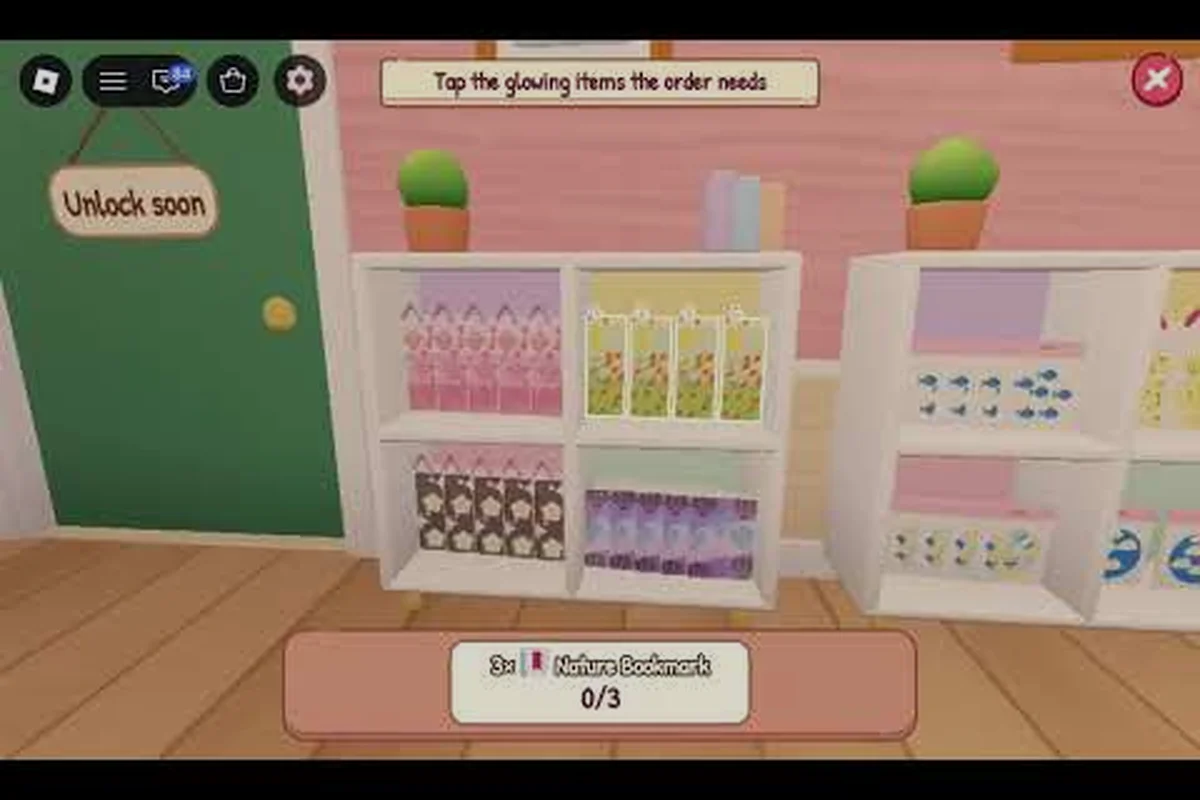
The fastest way to fall behind in My Small Business is not a lack of skill — it is repeating the same avoidable errors that quietly drain your coins and your time. This My Small Business Roblox latest guide focuses specifically on the beginner mistakes, common mistakes, and mistakes to avoid that trip up new shop owners in the first few hours.
If your shop feels stuck while other players are already shipping orders in bulk, the problem is almost always a handful of small decisions made in the wrong order. Below you will find the specific errors, why they hurt, and the practical fixes that get your production line moving again.
Why Early Mistakes Cost More Than You Think
Every mistake in the opening hour compounds. A weak first product design forces you to re-sketch later, a slow production loop means fewer completed orders, and a bad upgrade purchase locks coins into something that does not pay you back. According to community reports and the official My Small Business game page, the core loop is simple: sketch a product in the Design Studio, print and cut it, then pack customer orders with packaging, thank-you cards, and goodies before shipping. Simple does not mean forgiving, though.
The October 2026 build added the Plushies & Craft Fair event, running October 31 to November 7, which introduced a Plushie Workshop, a craft fair truck for selling, and two new products. It also brought a Shop Customization event from October 27 to November 7 with furniture, wallpaper, and outdoor options. New content like this tempts beginners to spend coins on cosmetics and side activities before their income is stable — one of the most common mistakes to avoid.
Here is the short version of what goes wrong most often: beginners treat the Design Studio like a creative sandbox instead of a production line, spending their first 500–1,000 coins on a high-detail sketch that takes too long to print and cut, then discovering the order queue pays out slower than the material cost. The fix is to reverse the order of operations — let incoming orders dictate what you sketch, not the other way around — and to hold off on any Shop Customization furniture or Plushie Workshop side projects until your first product reliably clears its own material cost per cycle.
-
Over-designing a first product instead of picking something quick to repeat.
-
Printing inventory before orders exist, tying up materials and coins.
-
Buying upgrades by excitement rather than by bottleneck.
-
Ignoring box size and losing rating points on sloppy packing.
-
Spreading across too many designs before one product is profitable.
Each of these looks harmless in isolation. Stacked together, they are the reason a new shop stalls at a low order count while a neighbor's shop climbs. Take the over-designed first product: a high-detail sketch that eats your opening 500–1,000 coins can take noticeably longer in the Design Studio's print-and-cut step, so your order queue drains slower than materials cost to replace. Print inventory before orders exist and those same coins sit frozen in finished stock nobody asked for. Buy an upgrade by excitement rather than bottleneck and you have locked coins into a station that does not feed the pack-and-ship loop. Ignore box size and you bleed rating points on sloppy packing, which throttles incoming orders. Spread across too many designs and no single product ever clears its own material cost per cycle.
My Small Business Roblox Beginner Mistakes That Stall Your First Hour
The first hour sets your pace for everything after. Beginners who treat it as a tutorial to rush through end up redoing work, while players who slow down for ten minutes of planning move faster overall. The single biggest beginner mistake is treating the Design Studio as a creative playground rather than a production tool.
Choosing a Design That Is Too Complex
A detailed, multi-part design feels impressive, but every extra element adds sketch time and print time. Your first product should be something you can sketch in seconds and reproduce without thinking. Save the ambitious designs for after your coin flow is steady.
Printing Before You Have Orders
Printing a full shelf of products "just in case" is one of the most common My Small Business Roblox common mistakes. Materials cost coins, and unsold stock does nothing for you. Print what active orders require, then print the next batch.
Skipping the Design Studio Tutorial Prompts
The Design Studio's guided prompts are not optional flavor — each one walks you through a specific handoff in the production chain, from selecting a sketch template to confirming the print queue and matching the finished item to the correct packaging box. Skipping them to jump straight into free sketching usually means missing how the print-and-cut handoff works: you end up printing items before orders exist, mismatching box sizes at the pack stage, and burning coins on materials you cannot sell. Completing the guided steps once, even roughly, teaches you the order of operations — design, print, pack, ship — so your first paid orders clear without rating penalties.
| Beginner Mistake | What It Costs You | The Fix |
|---|---|---|
| Over-complex first design | Extra sketch and print time per unit | Pick one simple, repeatable product |
| Printing without orders | Coins locked in unsold stock | Print only for active orders |
| Skipping tutorial prompts | Confusion at print and pack stages | Complete the guided steps once |
| Ignoring packaging quality | Rating drops, fewer orders | Use correct box and add a card |
| Chasing cosmetics early | Coins diverted from production | Wait until income is stable |
The pattern across all five rows of the table is the same: you are spending a resource — time, coins, or attention — before the shop can afford it. Take "Printing without orders" as the clearest case. A single printed item locks its material cost into inventory until a buyer appears, so three speculative prints can leave you with zero coins for the packaging boxes your first real order needs. The fix is sequencing, not caution: design one simple product, wait for the order to appear on the queue, then print, pack, and ship in that order. Apply that same order-of-operations logic to the Design Studio prompts and the first hour becomes smooth instead of a scramble to recover spent coins.
Production and Packing Errors That Quietly Drain Coins
Once orders start arriving, the mistakes shift from design to workflow. Production and packing are where most coins leak, because the errors here are invisible until you compare your order count to someone else's. A player who completes twelve orders in a session and a player who completes six are often running the exact same shop — the difference is workflow discipline.
The Box Size Mistake
Every order has a correct box size. Grabbing the nearest box because it is close at hand seems efficient, but the wrong size can cost rating or force a repack. Match the box to the order before you start filling it, not after.
Packing Without a Station
Players who pack wherever they happen to be standing waste seconds walking to the shipping point on every single order. A fixed packing station near your printer and shipping counter turns a scattered routine into a straight line. Place the station so the printer, tape roll, and shipping counter all sit within one or two steps of the packing spot — that way you grab a printed label, tape the box, and hand it off without a single detour. This is one of the most common mistakes to avoid in My Small Business Roblox: new owners sprint between scattered stations and lose the seconds that add up across a full shift. Treat the packing station as the hub of your store layout, and every order flows through it in one clean pass.
Forgetting the Personal Touches
Thank-you cards and goodies are part of the packing flow, and skipping them to save time can hurt your shop rating over many orders. Keep a small stock of both at your packing station so you never have to leave mid-order.
| Packing Error | Immediate Effect | Long-Term Effect |
|---|---|---|
| Wrong box size | Repack or rating hit | Lower order volume |
| No fixed station | Extra walking per order | Slower sessions |
| Missing card or goodie | Faster single order | Rating erosion over time |
| Packing one order at a time from scratch | Repeated setup | Fewer completed orders |
A useful habit is to treat packing as a checklist you run the same way every time: confirm box size, place the product, add the card, add the goodie, seal, ship. Repetition beats improvisation here. If you want a deeper breakdown of the production side, the beginner guide to My Small Business Roblox walks through the full loop step by step.
Upgrade Purchases That Look Smart but Waste Coins
Upgrades are the most tempting place to make mistakes, because every upgrade looks like progress. In practice, an upgrade only helps if it removes your current bottleneck. Buying a faster printer when your problem is packing speed does nothing for your order count, and the coins are gone.
Buying by Excitement Instead of Bottleneck
Before any purchase, ask one question: what is slowing me down right now? If you are waiting on the printer, a printing upgrade helps. If finished products are piling up unshipped, a packing or shipping upgrade helps. If you have neither problem, you probably do not need the upgrade yet.
Upgrading Before You Have a Baseline
You cannot measure an upgrade's value if you never measured your speed without it. Run a few sessions, note how many orders you complete, then buy one upgrade and compare. This simple habit prevents most wasted spending. For example, record your order count across three 10-minute sessions before touching the restock speed upgrade, then repeat those same sessions afterward; if your completed orders per session don't rise by at least two, that upgrade's Robux cost isn't paying for itself yet. Tracking a single variable at a time also stops you from confusing a faster checkout station with a better storage layout, so you know exactly which purchase moved your numbers.
Ignoring Quest Rewards as Budget
Quest rewards give you coins you did not have to earn through orders. Treating them as free spending money rather than as an upgrade budget is a common mistake. Route quest rewards directly into the upgrade that fixes your bottleneck.
| Upgrade Type | Buy It When | Skip It When |
|---|---|---|
| Printing speed | Orders wait on the printer | Finished goods are piling up |
| Packing or shipping | Packed orders queue up | Printer is the constraint |
| Storage or shelving | Materials run out mid-batch | You rarely hit material limits |
| Cosmetic furniture | Income is stable and steady | You are still building order volume |
One more trap: buying several small upgrades at once. You lose the ability to tell which one actually helped. Buy one, measure, then decide. The advanced tricks guide covers bottleneck diagnosis in more detail if you want to go deeper.
My Small Business Roblox Tips for Spending and Session Discipline
The final category of mistakes is about discipline over time. A single bad session is recoverable; a habit of bad sessions is not. These My Small Business Roblox tips are the ones that separate players who plateau from players who keep growing.
Set a Coin Floor Before You Shop
Decide on a minimum coin balance and never spend below it. This single rule prevents the classic beginner spiral: spend everything on an upgrade, hit a slow stretch, and have nothing left to buy materials for the orders you do have.
End Every Session With a Review
Before you log off, look at three numbers: orders completed, coins earned, and coins spent. If spending outpaced earning, you know exactly where to tighten next time. This takes under a minute and is the highest-value habit in the game.
Do Not Chase Every New Event
The Plushies & Craft Fair and Shop Customization events are genuinely fun, and the new products and furniture are worth exploring eventually. But a beginner who drops their production routine to chase event content usually comes back to a stalled shop. Finish your order queue first, then explore.
-
Coin floor rule: never spend below your set minimum.
-
One upgrade per session: buy, measure, then decide.
-
Order queue first: clear active orders before event content.
-
End-of-session review: three numbers, one minute.
-
Fixed packing station: same spot, same sequence, every order.
These habits are not glamorous, but they are what keeps a shop moving when the novelty of the first hour wears off. Players who follow them tend to hit their first major expansion milestone noticeably faster than those who improvise. For a structured plan of what to prioritize at each stage, the early game roadmap lays out the milestones in order.
Frequently Asked Questions
What is the biggest beginner mistake in My Small Business Roblox?
The biggest beginner mistake is printing products before orders exist. Materials cost coins, and unsold stock produces no income — every item sitting on a shelf is a coin loan you gave yourself at 0% interest. Print only what active orders require, then print the next batch once those orders are packed and shipped. This keeps your coin balance liquid enough to absorb a rush of orders or a printer upgrade, and it means a slow session never leaves you stuck with dead stock you cannot refund.
How many upgrades should I buy at once?
Buy one upgrade at a time and measure the result before buying another — treat each purchase like a controlled test rather than a shopping spree. Buying several at once makes it impossible to tell which one actually helped, and it locks coins into upgrades that may not address your real bottleneck. For example, if you grab both a faster printer and extra packing stations in the same session, a jump in completed orders tells you nothing about which fix did the work. Wait until you have cleared a full order queue and seen your coins tick back up, then buy the single upgrade that targets the slowest step, run one more queue, and compare. If throughput improves, keep it; if not, you have learned where the real constraint sits before spending again.
Should I spend coins on the Shop Customization event as a new player?
Not until your income is stable. Furniture and wallpaper are cosmetic and do not improve production speed or order volume. Clear your order queue and build a coin buffer first, then treat customization as a reward rather than a priority.
Why is my shop rating dropping even though I ship orders?
Rating usually drops from packing details: wrong box size, missing thank-you cards, or skipped goodies. Run the same packing checklist on every order — confirm box, place product, add card, add goodie, seal, ship — and the rating stabilizes. The cause is that each order is scored on these steps individually, so a single skipped goodie on a large order can cost more rating than a slightly slow print time. Keep a fixed packing station and never rush the seal step; a mis-sized box that forces a repack wastes coins on materials and delays the ship, which compounds into the next order queue.
How do I know which upgrade to buy next?
Identify what is slowing you down right now. If orders wait on the printer, buy printing speed. If finished products pile up unshipped, buy packing or shipping. If neither is a problem, you do not need an upgrade yet — save the coins.
Avoiding these mistakes is less about talent and more about order of operations. Pick one simple product, print only for real orders, pack at a fixed station with the correct box, and buy upgrades that fix your actual bottleneck. Add a coin floor and a one-minute end-of-session review, and your shop will keep growing long after the first hour.